Instant feedback, creative flow, wire up complex visuals without writing code.
Fabric Editor is a modern successor to Quartz Composer, allowing you to work with an organized set of data types and to build compelling and complex compositions without writing a single line of code.
Fabric brings an opinionated, user driven experience into the present. Modern rendering. Modern platform support. Modern extensibility.
An interactive realtime node editor with over 300 included nodes to let you flex your creative muscles.
Fabric borrows from Quartz Composers execution paradigm and data type simplicity.

Your creativity doesn’t live in a vacuum.
Fabric supports a variety of hardware and software connectivity out of the box, letting your composition connect and interact with the outside world.
Mouse and Keyboard input, receive OSC, MIDI, HID and Game controllers signals, connect to Syphon inputs and outputs to capture and broadcast live video, and more.
Fabric supports a variety of numerical animation and time based controls, allowing for manual key framing, numerical tweening, input smoothing and filtering, allowing you to define the character of your movement.

Fabric supports an expanding suite of machine learning nodes and features such as Face Keypoint Detection, Hand Tracking, Image Segmentation, and ML powered scaling and antialiasing.
You can even run Language Language and Vision Language Models locally, in your graph.
Model Context Protocol (coming soon) allows for agentic self modification of graphs via natural language. Just tell Fabric what you want.
Fabric leverages CoreML, MPS and MLX for neural engine and GPU acceleration of ML workloads.

Fabric supports a variety of media, including hardware accelerated video (Camera, Quicktime movie playback), Image, 3D model import, and soon Gaussian Splats.
Thanks to the Lygia Shader library, Fabric supports a suite of sophisticated and modern GPU processing intrinsics, allowing for a diverse combination of image process, signed distance field rendering, path tracing, and more.
You can also live code your own Vertex, Fragment or Compute shaders.

Intuitive realtime node editor with over 300 included nodes.
You don’t need to be a software engineer to use Fabric, with color coded types, and parameters that adapt to their input (casting) you can experiment without needing a PHD.
Fabric supports on canvas notes, with markdown syntax including links and image embeds, and of course we support nested subgraphs.
Not just for hobbyists, Fabric is built to power high fidelity graphics output. 16-bit image processing supports HDR natively, with serious color correction tools like color space conversion, color LUTs.
Audio analysis with live input for audio responsive compositions, letting you drive your composition for event and concert designs, live visuals, vj, live code performances or installation environments.
Powered by Lygia shader library, Fabric supports image generators, path traced rendering, signed distance field rendering, classic image processing and cv techniques.
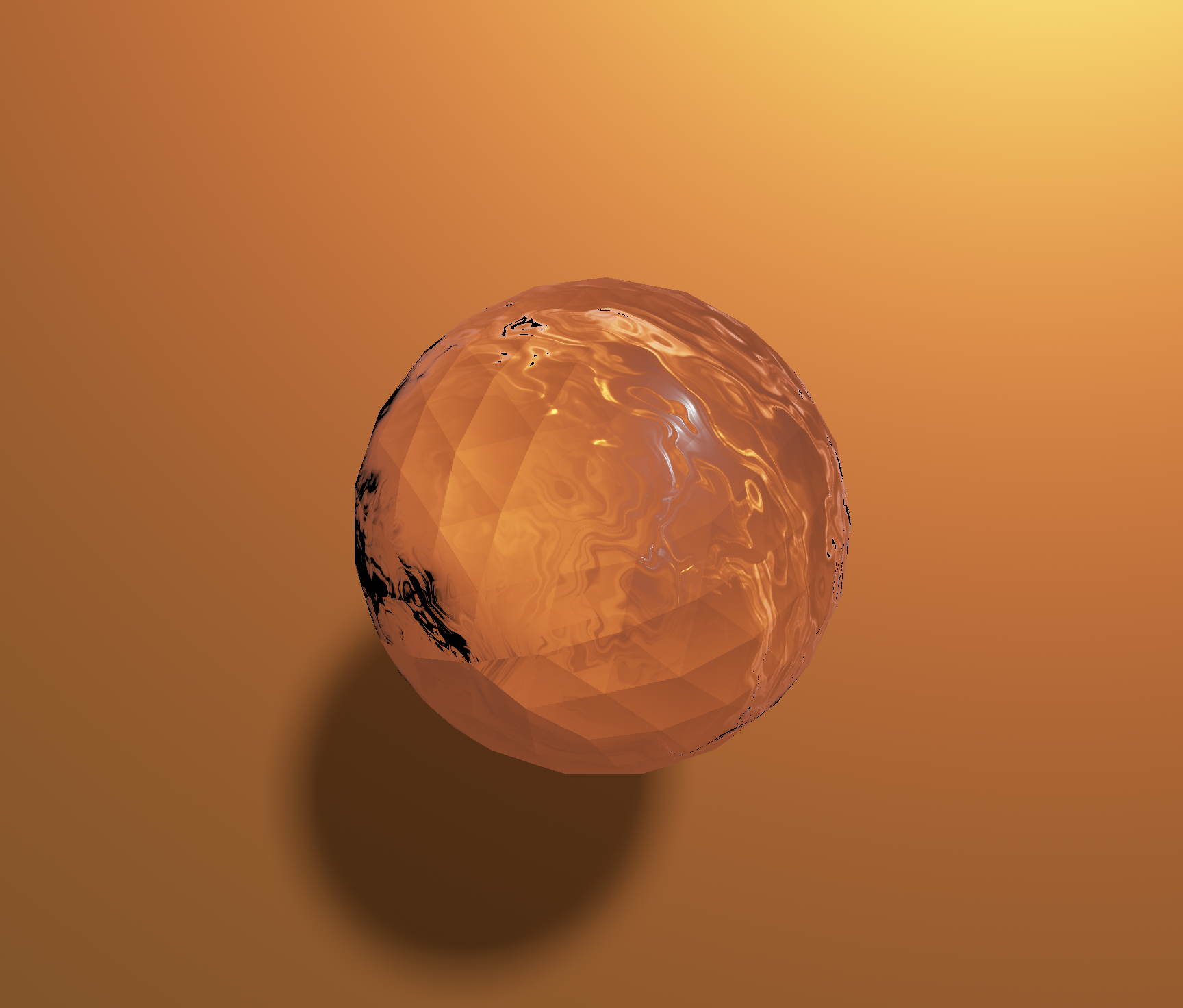
Thanks to Satin, Fabric supports Image based lighting, soft shadows, HDRI environment maps and physically based shading to build cinematic cgi.
Fabric strives to compete on performance and efficiency. Easily hit 120Hz on Pro Motion displays, leveraged Instanced Rendering and optimized video playback to stay realtime.


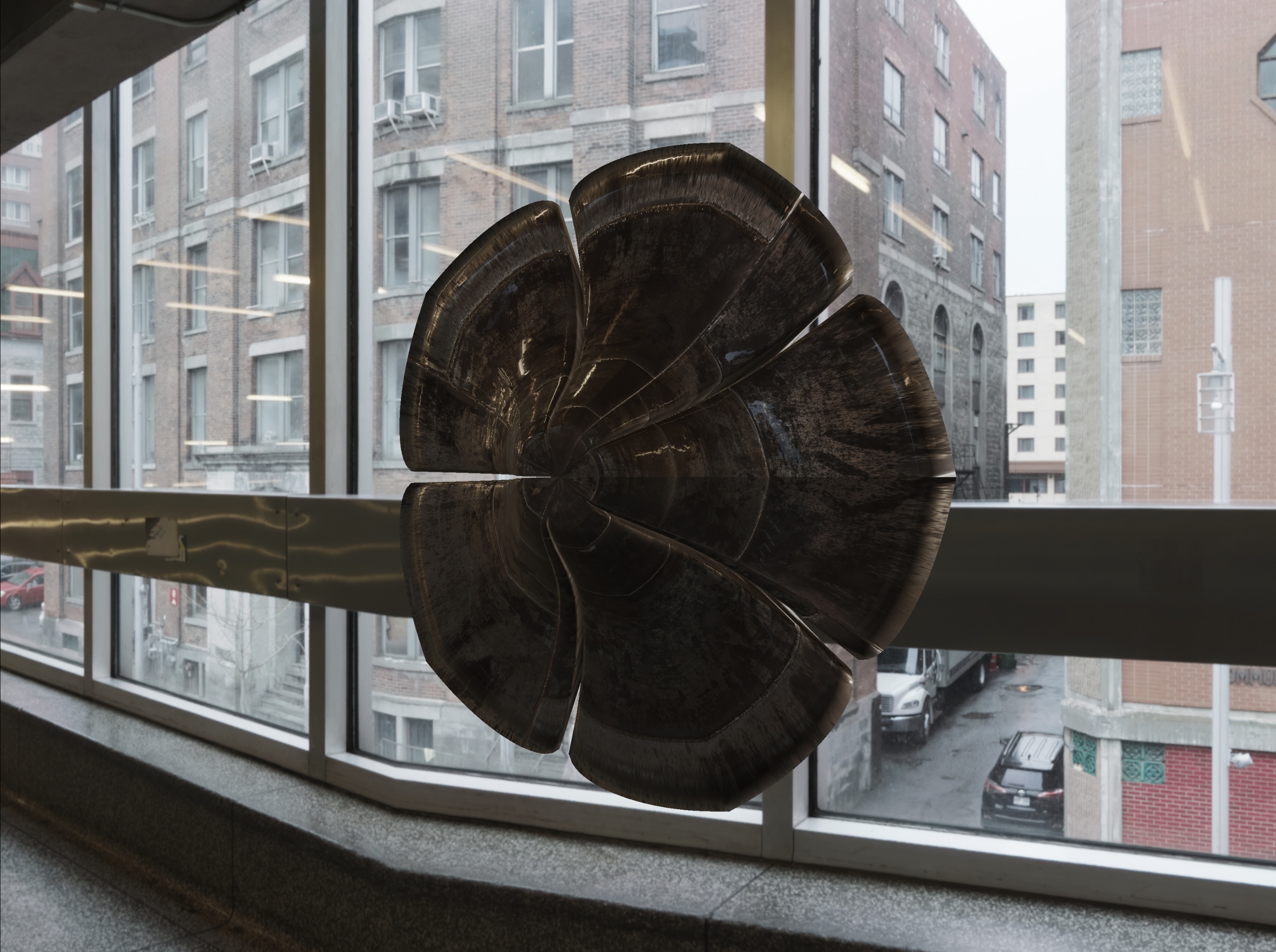
Fabric Editor is built on top of Fabric Framework, an embeddable cross platform runtime, so you can execute Fabric graphs in your own app on any supported platform. Leverage the Fabric Framework to load .fabric files, create your own 3rd party plugins, and execute and render Fabric graphs just like the editor does.
Fabric Framework is a Swift Package making integration easy.
Easily adopt Fabric in your project via Swift Package Management right in XCode
Built on top of Satin, Fabric’s Framework implements core Graph execution and rendering logic so you don’t have to.
Don’t see a node? You can extend Fabric’s capability by writing your own plugin that registers any number of nodes of your own design.
Load .fabric files - a simple JSON format that describes a fabric graph, its parameters and dependencies.
Don’t like node based interfaces? Fabric lets you compose node graphs in code, giving you all the flexibility of the runtime with whatever paradigm suits you.
Unlike the macOS editor, the core Fabric framework runs on macOS, iOS, visionOS and soon, tvOS
Built from the ground up on Metal, Satin gives you direct access to Apple’s GPU architecture without sacrificing the joy of creative exploration.
It’s spiritually similar to frameworks like ThreeJS, Processing and OpenFrameworks, but optimized for modern Apple platforms and letting you create, build and ship industrial grade apps with confidence.
Satin was originally authored by Reza Ali and contributors, and lives on via the Fabric project.
import Satin

let camera = PerspectiveCamera()
let scene = Object()
let geometry = SphereGeometry(radius: 1.0)
let material = StandardMaterial()
material.baseColor = .init(0.8, 0.2, 0.1, 1.0)
material.metallic = 0.9

let mesh = Mesh(geometry: geometry, material: material)
scene.add(mesh)

renderer.draw(scene: scene, camera: camera)
Includes shader library for Physically Based Rendering, UV and Depth visualization and more.
Primitives, tessellation, text extrusion, and custom geometry.
Support for Texture Compute, Buffer Compute and Tesselation Compute
Satin supports Image Based Lighting and Soft Shadow techniques.
Hierarchical transforms and sensible object model for complex 3D scenes
Out of the box post processing support.

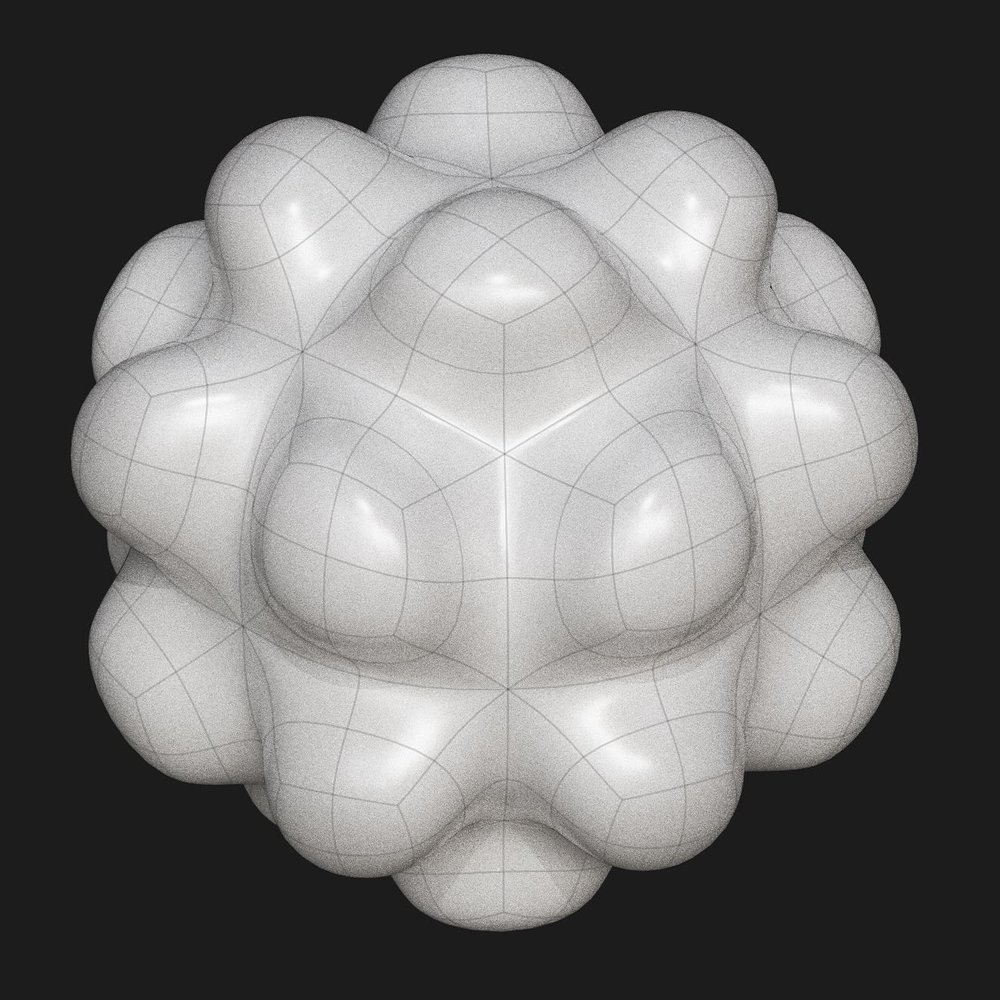
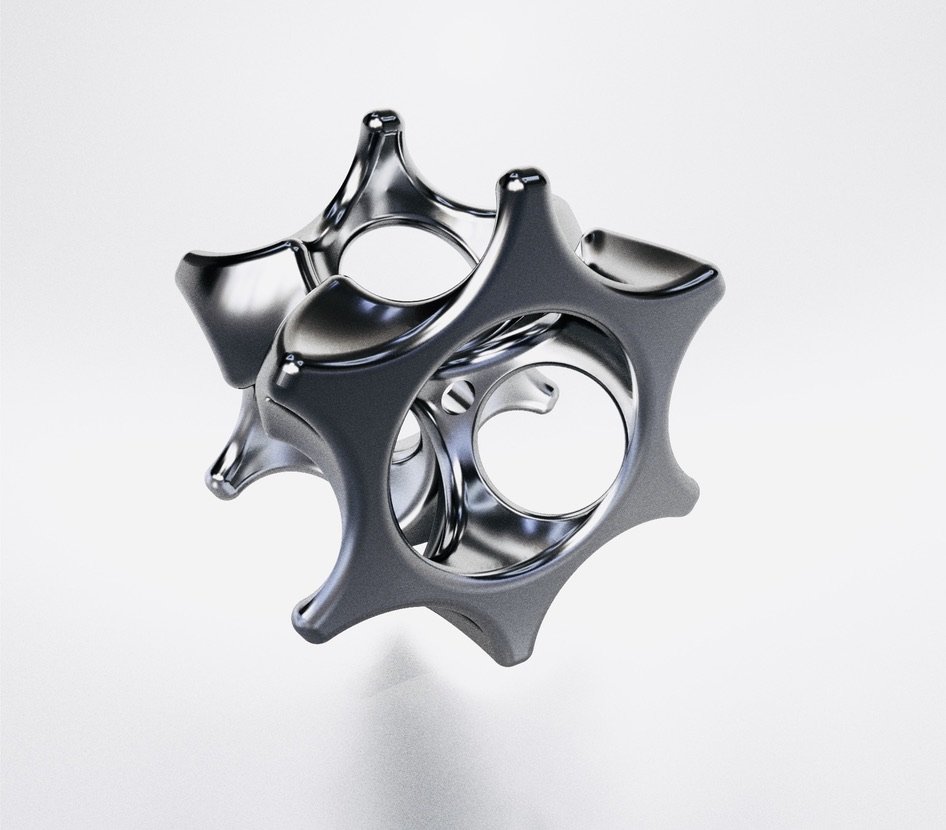
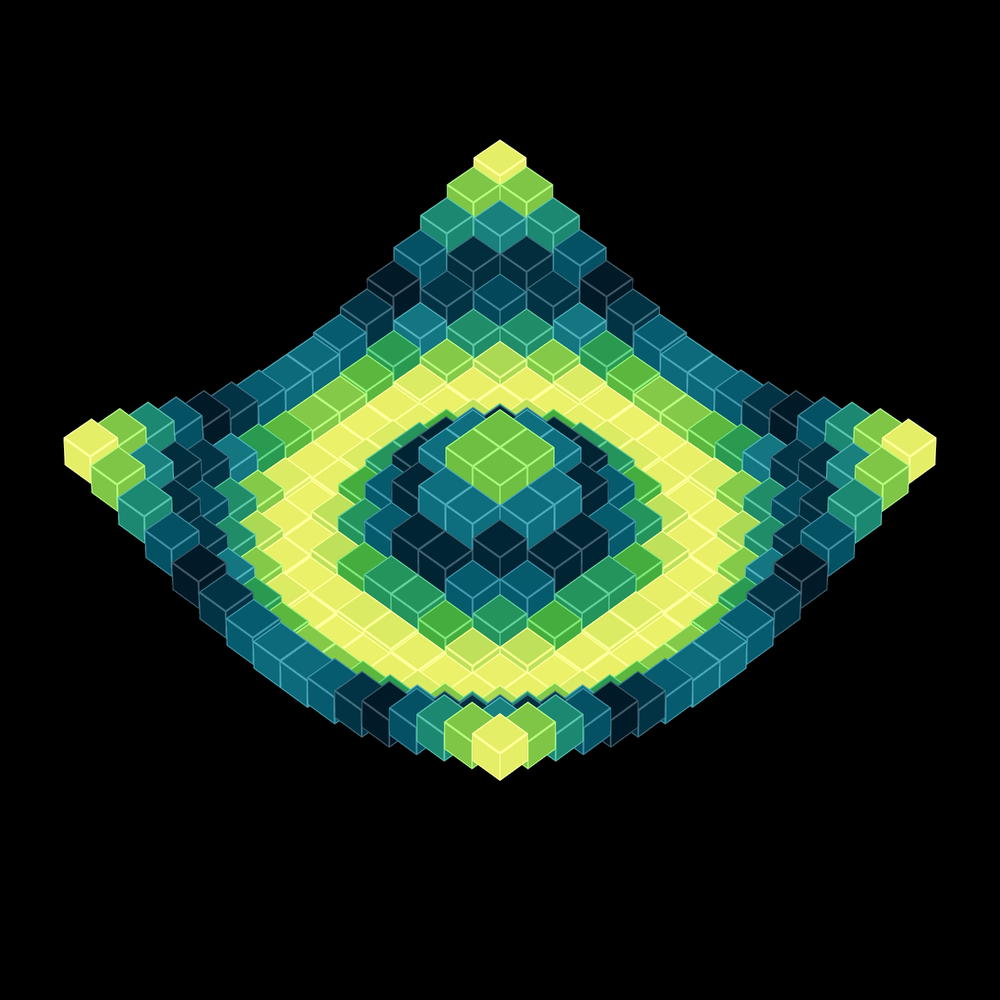
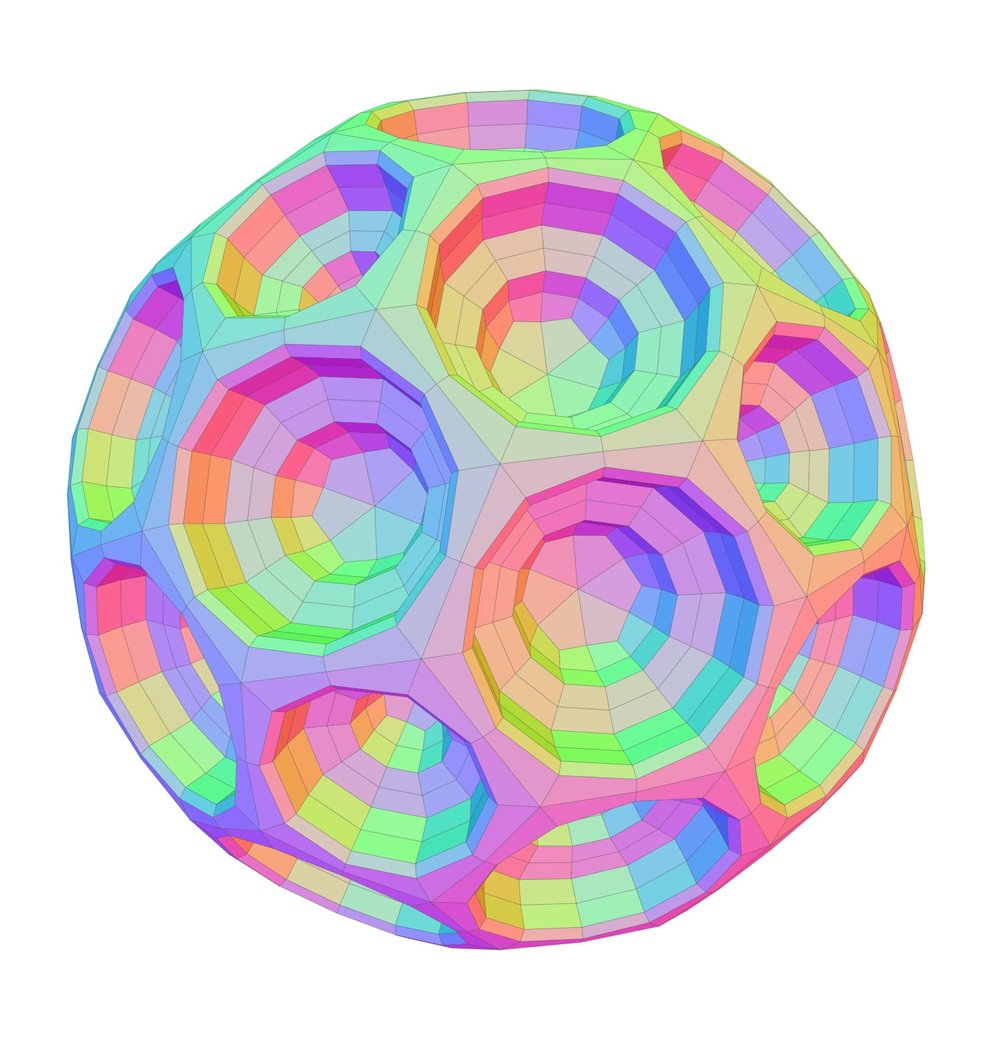
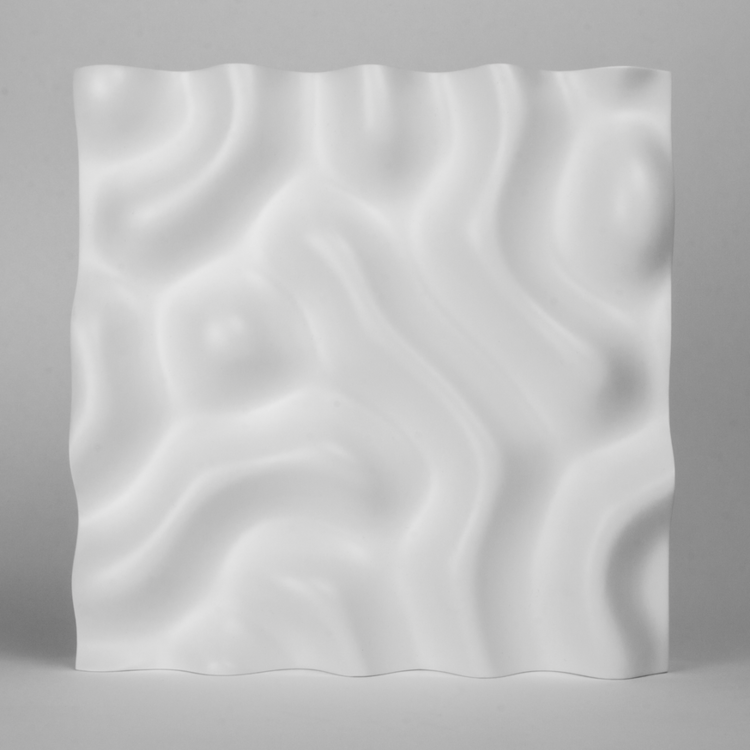
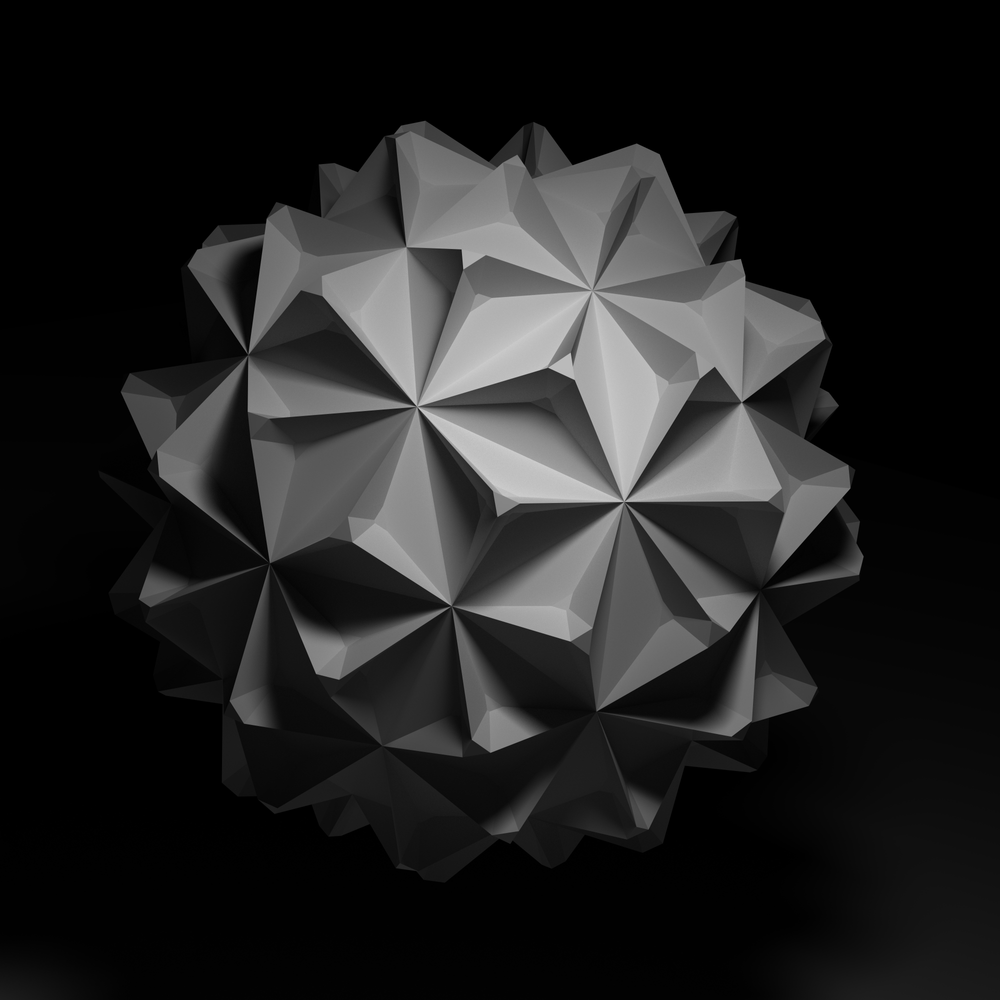
Satin handles rendering—the scene graph, the materials, the shaders, the geometry. Fabric handles composition—the node graph, the visual editor, the runtime. Use them together or separately.
A node based desktop app that lets you visually author fabric files in realtime. Its a no-code creative coding environment built for all types of users, for all types of creativity. Build on macOS, run on macOS, iOS, visionOS and tvOS
Developing your own app? Import the Fabric Runtime via Swift package, and execute your fabric compositions however you want. Supports macOS, iOS, visionOS and tvOS.
A graph execution and rendering framework that supports 3rd party plugins, loading fabric documents, and is powered by Satin, the Lygia shader library, and more. Load files authored by the editor, or procedurally create nodes in code and execute them. The Fabric engine allows you to interact how you want. Supports macOS, iOS, visionOS, tvOS
A high performance, open source creative coding and rendering engine. Supports macOS, iOS, visionOS, tvOS
Included Nodes for working with Fabrics and Satins data types. Or make your own using the 3rd party plugin SDK.
Philosophically, yes. Like Processing (and OpenFrameworks, etc) Satin is designed for creative exploration with a clean API. Satin allows for integration with modern Swift development, allowing you to take your work and ship a native macOS, iOS, visionOS or tvOS app.
Yes. That’s a core design goal. The Fabric runtime is a Swift Package. Create .fabric compositions with the editor, and load .fabric files and render them in your own applications.
Absolutely. Satin is a standalone Swift Package. Many developers use it directly for 3D graphics in their apps without ever touching Fabric’s node system.
No. The visual editor lets you build compositions without writing code. But if you want to create custom nodes or embed the runtime, Swift knowledge helps.
It’s a spiritual successor. Fabric shares the same philosophy of visual node-based programming with real-time feedback, rebuilt on modern technology. If you loved QC, you’ll feel at home in Fabric.
Yes. MIT licensed, open source. The editor, the runtime, the plugin API—all free.
Yes. Fabric has a plugin api similar to Quartz Composer’s QCPlugin interface. A single plugin can host many nodes (the equivalent to patches) and can execute logic, create input and output ports, and render if need be. Plugins can leverage Satin’s API, or just write raw Metal if they want to.
Not today! That said, nothing about Fabric is inherently opposed to audio processing, but we just havent gotten there! File a feature request, or even better, submit a PR :)
